Skill Governance for companies.
Skill Discovery for teams.
Agent skill catalog and governance tool for organizations.
| Card View | List View |
|---|---|
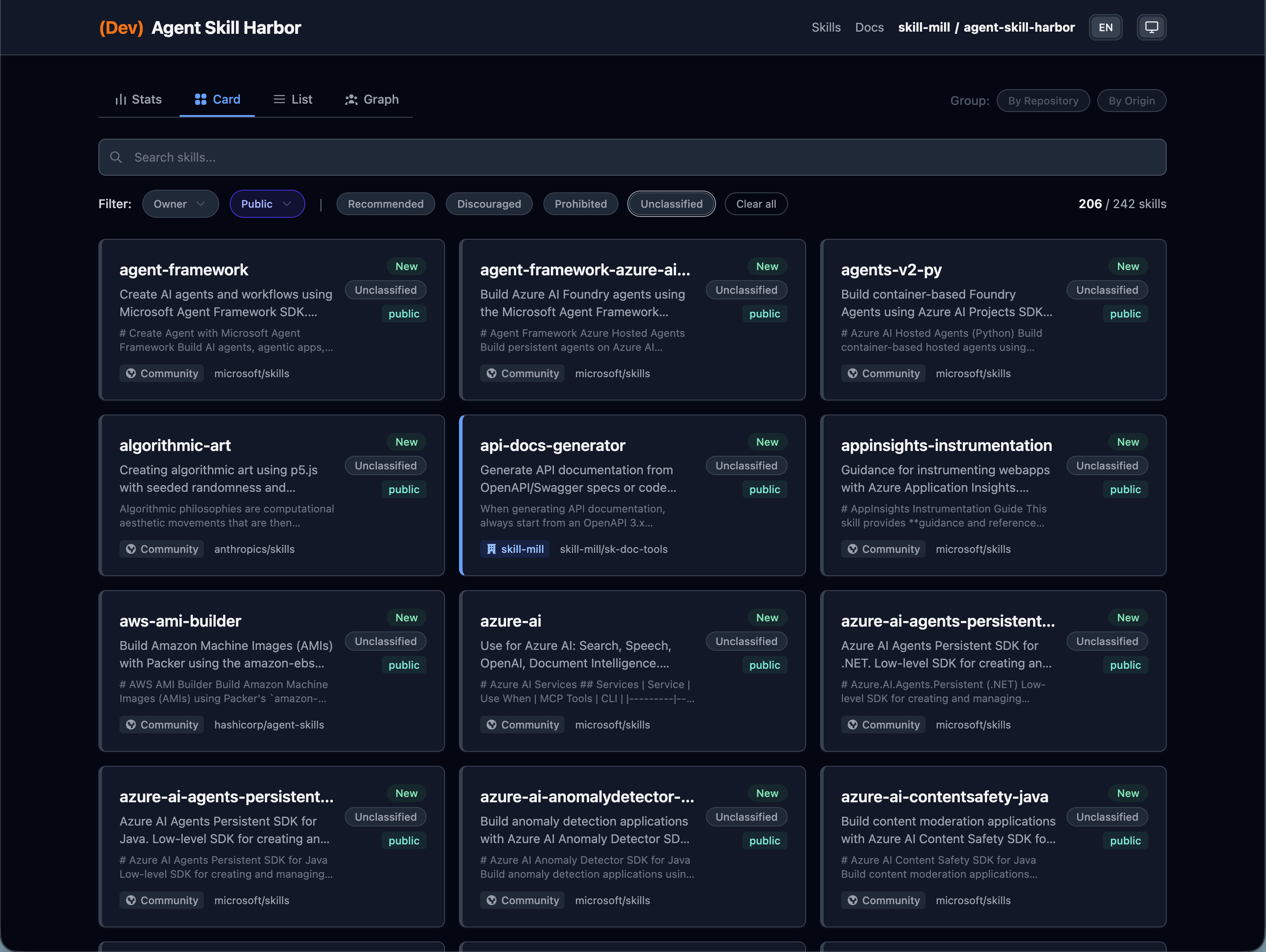 |
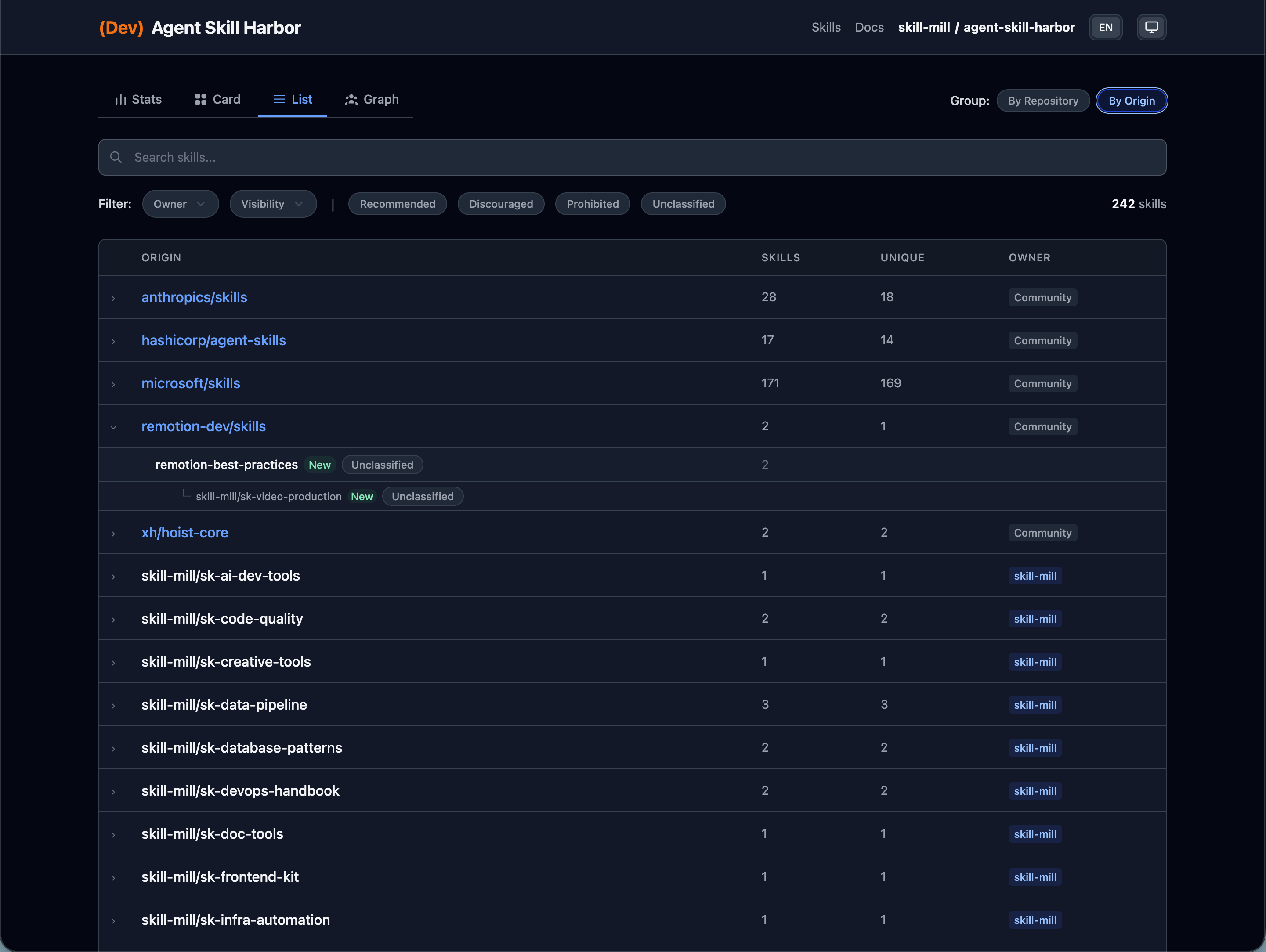 |
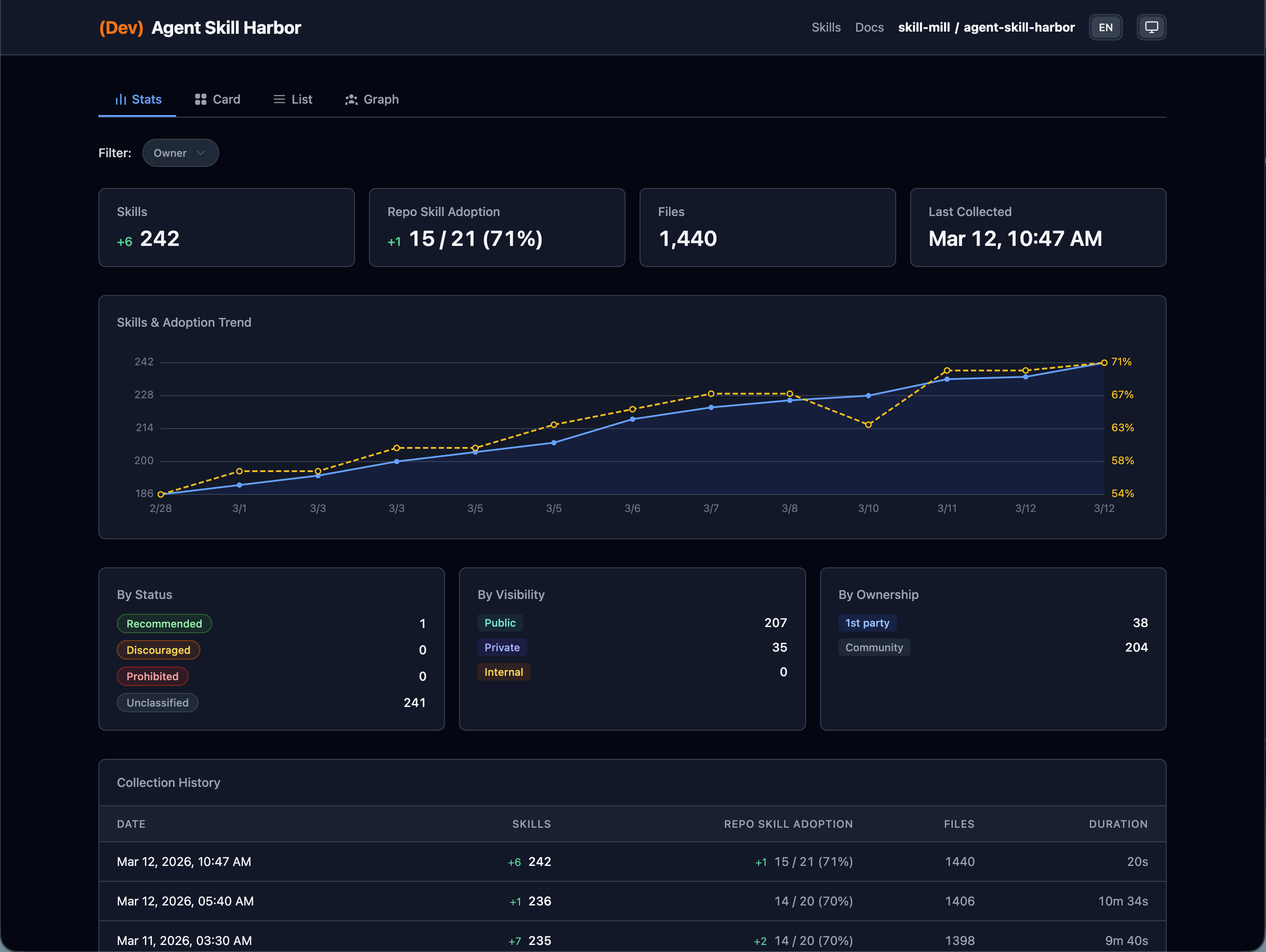
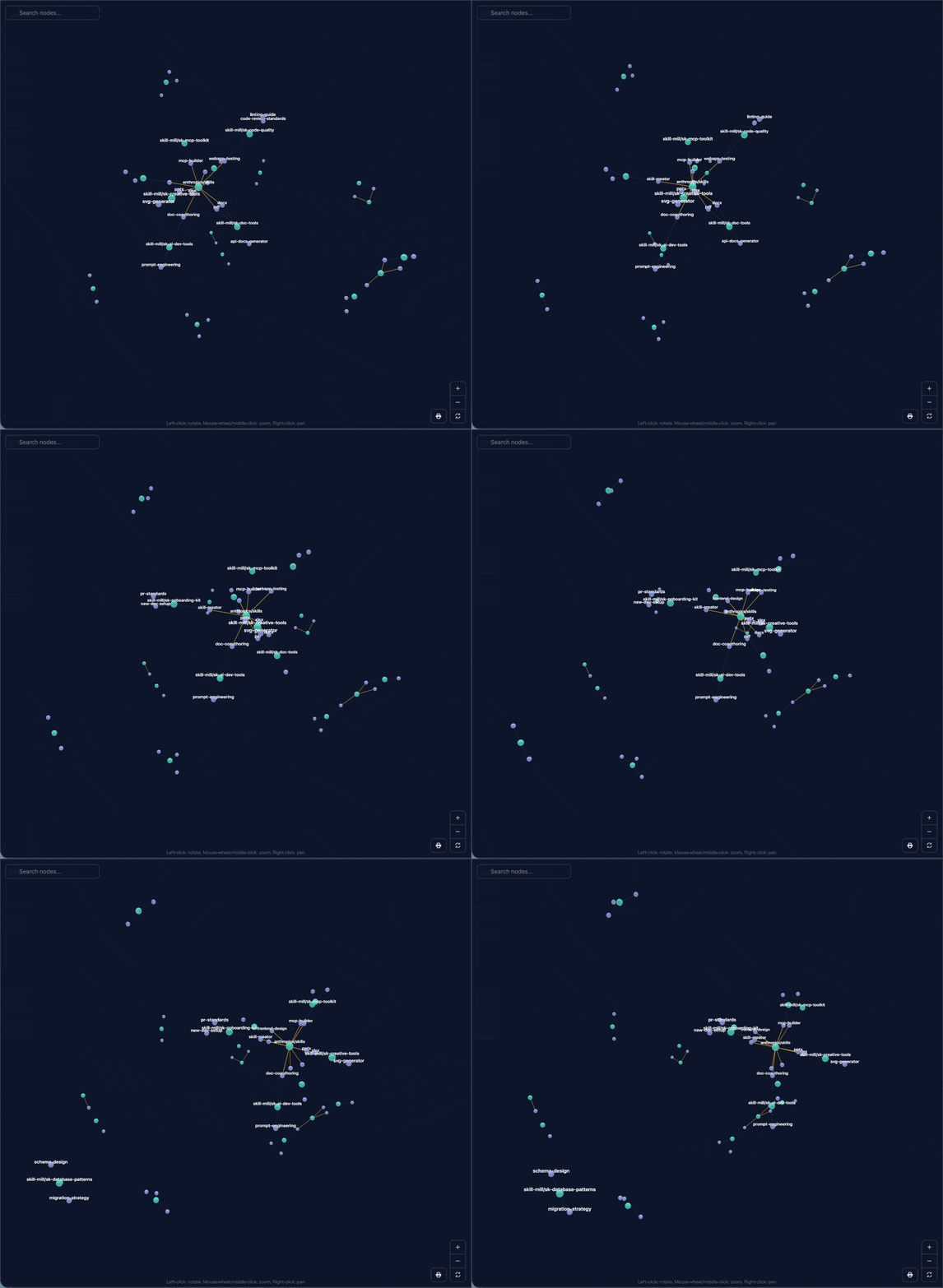
Agent Skill Harbor catalogs every Agent Skill (SKILL.md) across your GitHub Organization and serves a browsable catalog within your organization via GitHub Pages or Cloudflare Pages.
- Governance — Flag prohibited skills and promote recommended ones to your team
- Skill Traceability — Track the origin and provenance of every skill, including externally installed ones
- No database — Data stored as YAML/JSON in Git
- No backend — Frontend-only web app (SvelteKit, prerendered)
- GitHub-native — GitHub Actions for collection, GitHub Pages or Cloudflare Pages for hosting
# Scaffold a new project
npx agent-skill-harbor init my-skill-harbor
cd my-skill-harbor

# Edit .env: uncomment and set GH_TOKEN and GH_ORG
# Or use gh CLI: GH_TOKEN=$(gh auth token) pnpm collect

# Install dependencies
pnpm install

# Collect skills from your organization
pnpm collect

# Start development server
pnpm devThe application is managed via a CLI that supports scaffolding, data collection, building, and deployment. In production, all CLI commands are executed via GitHub Actions.
When installed as a dependency, the CLI is available as harbor or agent-skill-harbor:
| Command | Description |
|---|---|
harbor init [dir] |
Scaffold a new project |
harbor collect |
Collect skills from GitHub organization |
harbor audit |
Audit collected skills |
harbor build |
Build the static site |
harbor deploy <target> |
Deploy the built catalog |
harbor dev |
Start development server |
harbor preview |
Preview the built site |
# Set base path for GitHub Pages deployment
harbor build --base=/my-repo-name- Create a new project with
npx agent-skill-harbor init - Configure GitHub repository secrets (
GH_TOKEN) - Enable GitHub Pages (Settings > Pages > Source: GitHub Actions)
- Important: Set Pages visibility to Private to restrict access to organization members only (requires GitHub Enterprise Cloud)
- Trigger the
CollectSkillsworkflow for initial collection CollectSkillswill runcollectand thenauditas separate steps- The deploy workflow will run automatically after
CollectSkillssucceeds
See Organization Setup Guide for detailed instructions.
my-skill-harbor/
├── .env                    # GitHub token and org config
├── config/
│   ├── harbor.yaml         # Collector and catalog settings
│   └── governance.yaml     # Skill usage policies
├── data/                   # Generated by collect (Git-managed)
│   ├── skills.yaml         # Skill metadata
│   ├── report.yaml         # Latest audit snapshot
│   └── skills/             # Cached SKILL.md files
├── .github/workflows/      # GitHub Actions (collect + deploy)
└── package.json            # depends on agent-skill-harbor
Harbor can trace skill provenance when the downloaded skill includes copy-source metadata.
The primary integration is agent-skill-porter, which records _from in skill frontmatter. Harbor also supports GitHub-based skills-lock.json metadata written by agent-skills / vercel-labs/agent-skills.
See Skill Catalog Guide for catalog pages and provenance behavior.
MIT