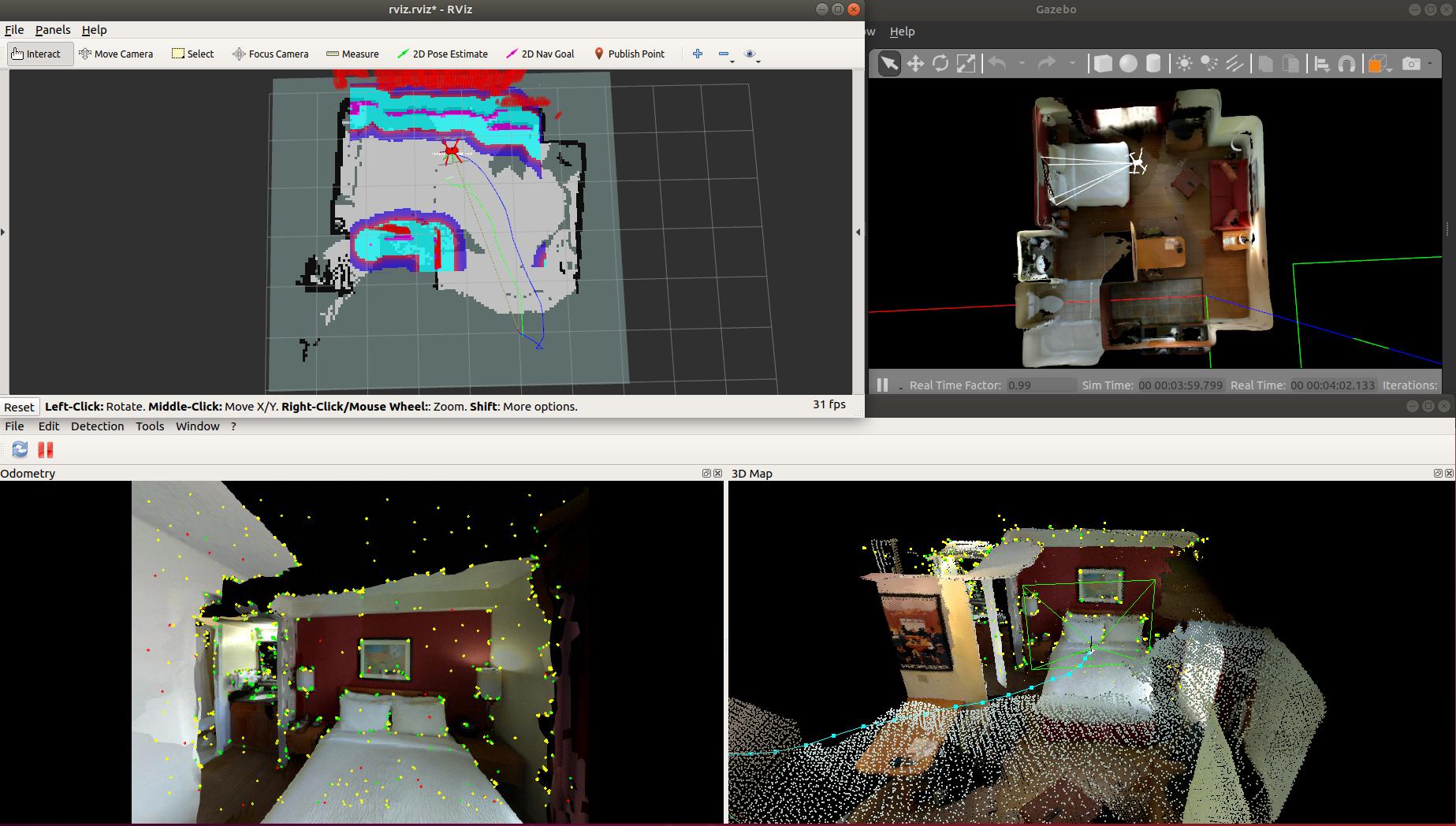
ROS2 2D navigation example of a drone using nav2 with px4 and rtabmap visual SLAM.
For the original ROS1 example with move_base and mavros, go on the master branch.
Overview video (click to watch on Youtube):

Open project in VSCode and click "Reopen in container". The image will be automatically built.
The devcontainer should already have moved data from models and worlds folder into ~PX4-Autopilot/Tools/simulation/gz/models and ~PX4-Autopilot/Tools/simulation/gz/worlds respectively.
Launch the simulator with our world apt:
cd ~/PX4-Autopilot
make px4_sitl gz_x500_depth_apt
Launch ros2 bridge, VSLAM and nav2:
ros2 launch rtabmap_drone_example ros2_bridge.launch.pyLaunch offboard mode (arm and take off):
ros2 run rtabmap_drone_example offboard_control --ros-args -p use_sim_time:=trueFlight logs will be saved in ~/PX4-Autopilot/build/px4_sitl_default/rootfs/log.
- Autonomous control: use "2D Nav Goal" button in RVIZ to set a goal to reach
- Manual control: If a joystick is plugged, you can send twists by holding L1 and moving the joysticks. Hold L1+L2 with left joystick down to land (be gentle to land smoothly), then hold left joystick in bottom-left position to disarm after the drone is on the ground.