
My Neovim Config
- Neovim
- Python
- Ruby
- Node.js
- ripgrep
- luarocks
- shellcheck (for linting shell scripts)
- Nerd Font (for icons)
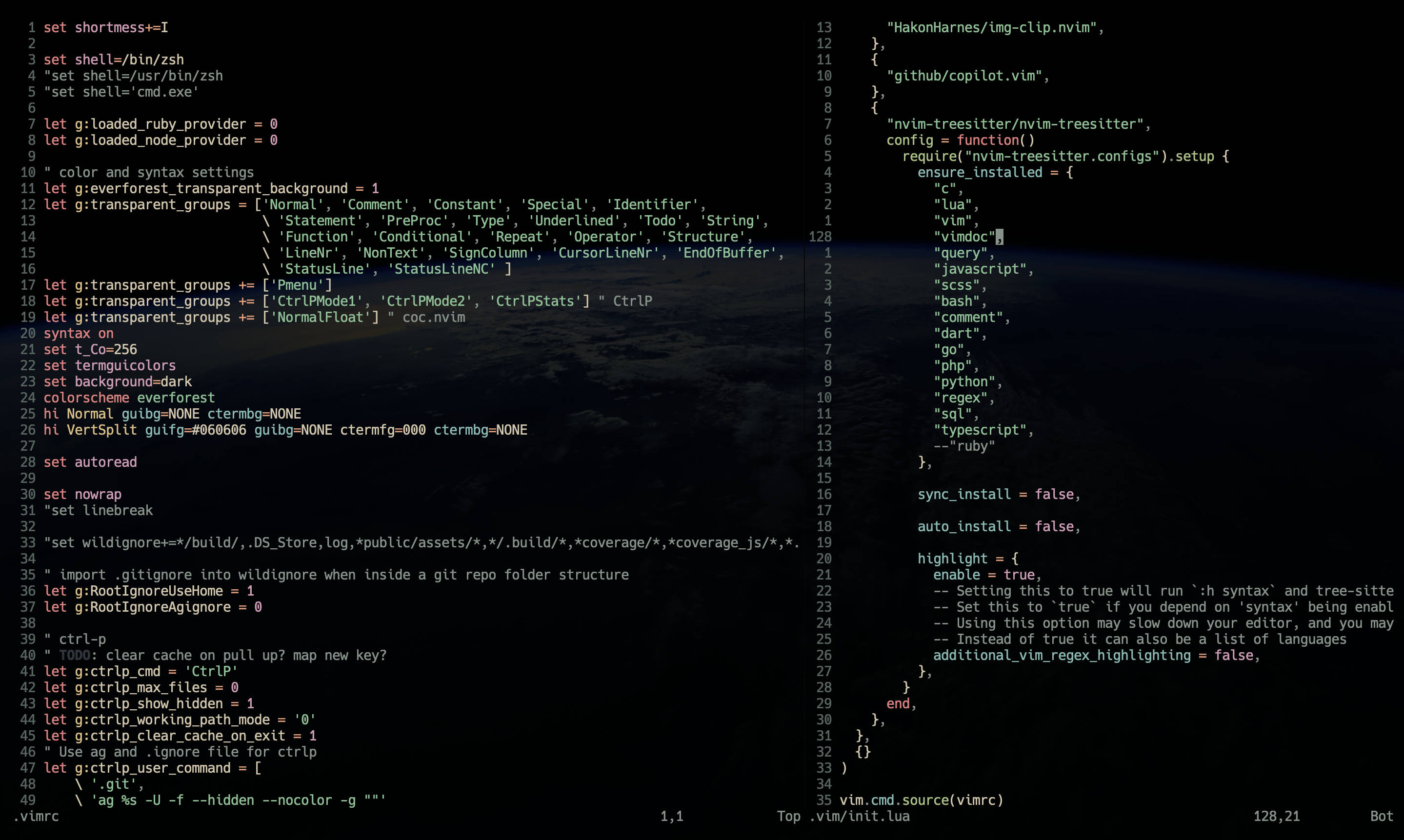
Plugins are managed with lazy.nvim.
For installed plugins see init.lua.
./install.sh| cmd | description |
|---|---|
space |
Search for pattern in file |
<c-w>space |
Clear search highlight |
<c-e>f WORD |
Grep files |
\b |
View git commit message for current line |
\B |
View git blame |
\l |
View git file history |
\cc |
Comment out selected lines |
\ci |
Uncomment selected lines |
\{-,=} |
Resize vertically split windows |
<c-p> |
Search files / Cycling autocomplete reverse (Insert) |
<c-n> |
Search buffers / Cycle autocomplete (Insert) |
<c-c> |
Close a buffer |
<c-w>c |
Delete a buffer |
<c-w>w |
Save all buffers |
<c-w>v |
Split buffer window vertically |
<c-w>s |
Split buffer window horizontally |
<c-w>c |
Delete a buffer |
<c-w>{p,P} |
Toggle spell check |
<c-{h,j,k,l}> |
Move around windows |
<c-V> |
Paste from clipboard |
<c-e><c-f> |
Open file tree browser |
<c-e><c-p> |
Open lsp symbol browser |
<c-e><c-l> |
Show lint/compile errors |
gr |
Show all files/instances that reference type |
gd |
Go to definition of type |
gt |
Go to type definition of type |
gs |
Search current word in Dash |
gi |
Show function signature |
gl |
Show diagnostic errors pane |
zc |
Fold at syntax |
zo |
Fold open at syntax |
zR |
Fold open all |
b,B |
Backword jumps |
w,W |
Forward jumps |