

Simple SQL Client for lightweight data analysis.
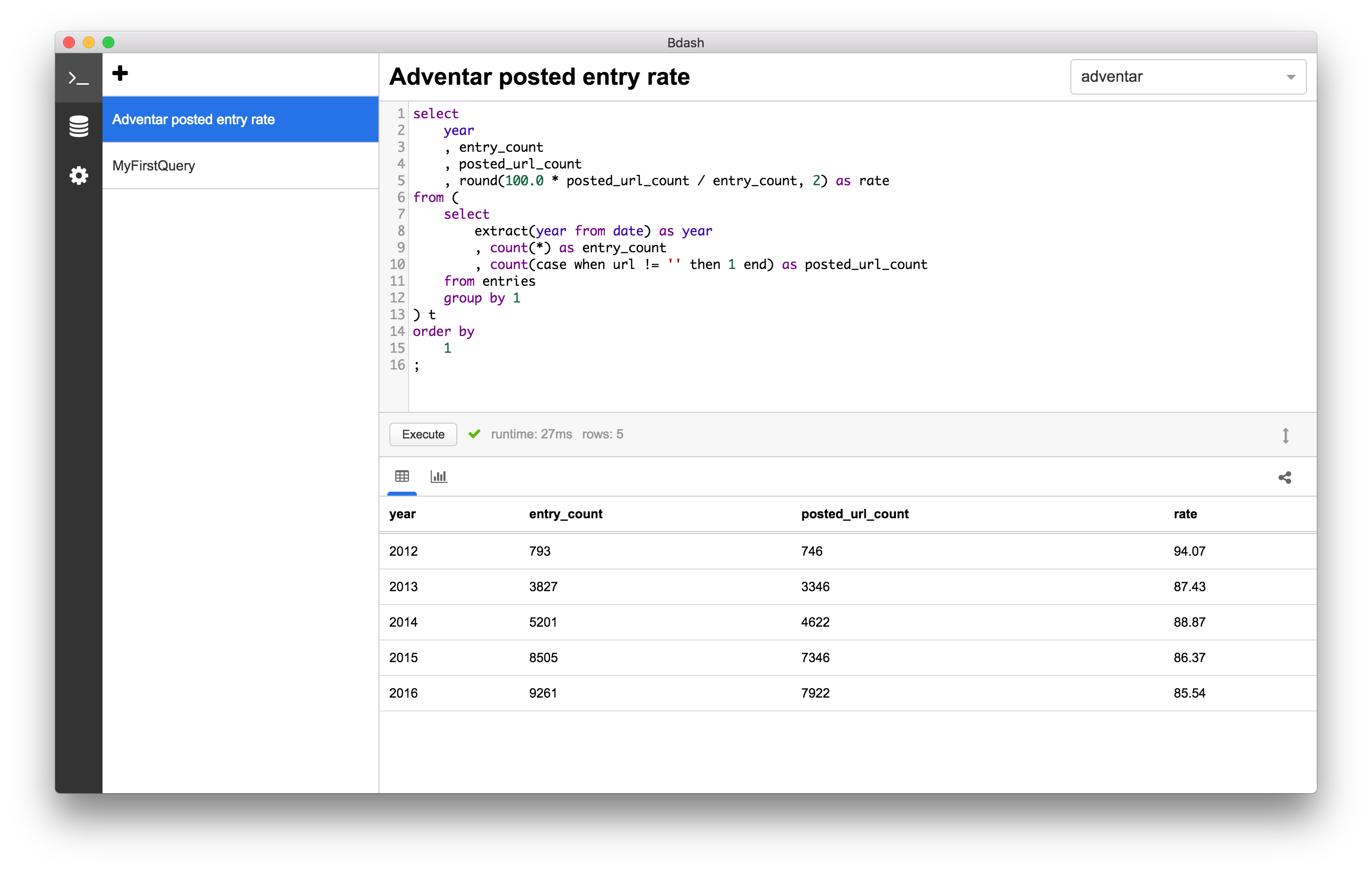
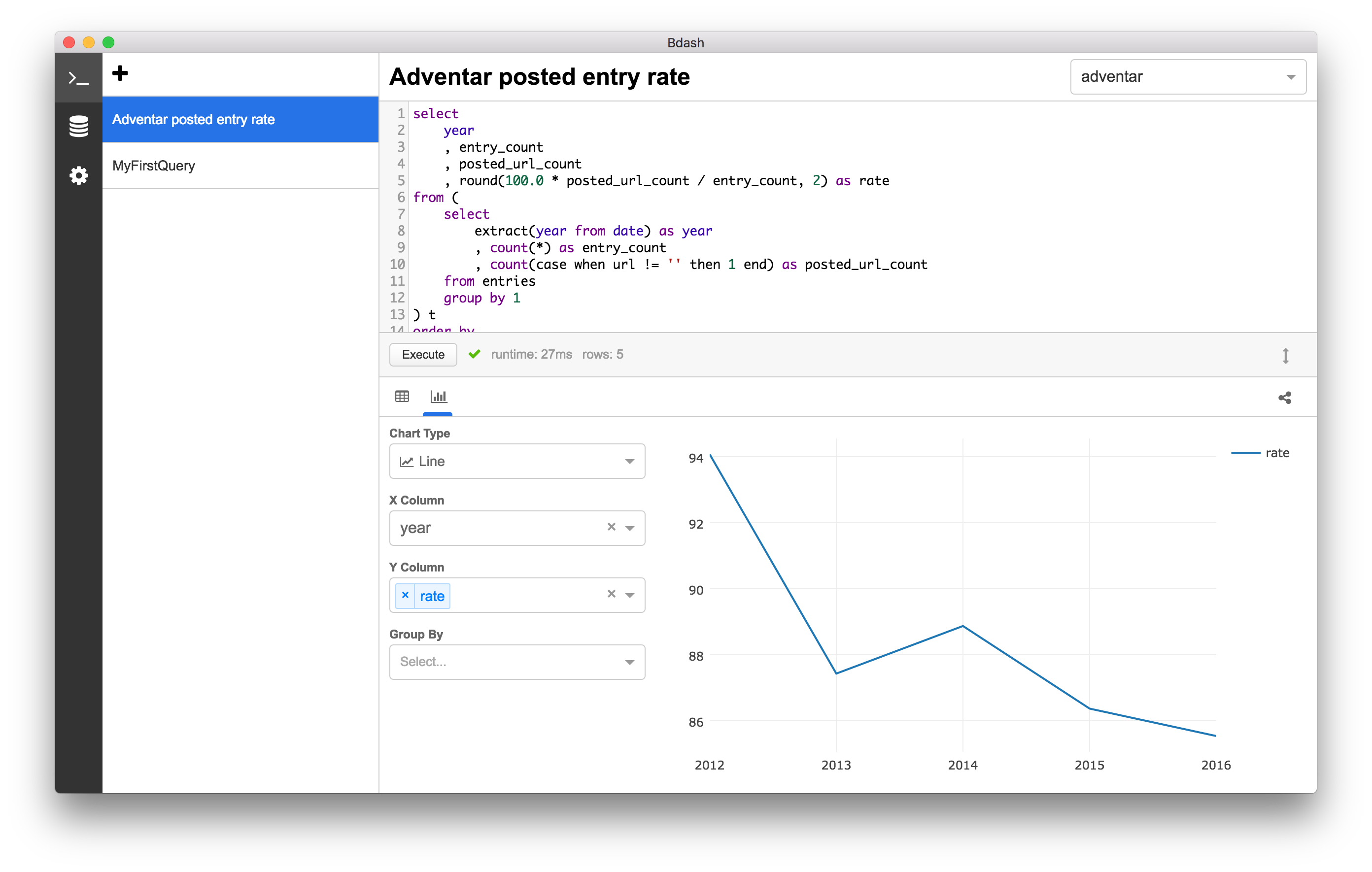
You can share the result with gist.
https://gist.github.com/hokaccha/e128e1c3a68527ebf2c50d5e95a089b1
- MySQL
- PostgreSQL (Amazon Redshift)
- SQLite3
- Google BigQuery
- Treasure Data
- Amazon Athena
Bdash includes an MCP (Model Context Protocol) server that enables AI coding tools like Claude Code to:
- List data sources, tables, and schema information
- Read and write SQL queries in Bdash's editor
- Create new queries
# Install MCP server dependencies
yarn mcp:install

# Build MCP server
yarn mcp:build
Add to your Claude Code MCP settings (.claude/settings.json or project-level):
{
  "mcpServers": {
    "bdash": {
      "command": "node",
      "args": ["/path/to/bdash/src/mcp/dist/server.js"]
    }
  }
}{
"mcpServers": {
"bdash": {
"command": "node",
"args": ["/Applications/Bdash.app/Contents/Resources/mcp/server.js"]
}
}
}| Tool | Description |
|---|---|
list_datasources |
List all configured data sources |
list_queries |
List all saved queries |
get_query |
Get query details by ID |
write_query |
Write SQL to a query's editor |
create_query |
Create a new query |
list_tables |
List tables for a data source |
get_table_schema |
Get column definitions for a table |
You can download and install from Web Site or Releases
You can start the application with following commands.
# Install dependencies
$ yarn

# Run following commands with different shell processes.
$ yarn watch
$ yarn start
To create a draft release on GitHub, run the following command with the next version name:
$ ./scripts/release 1.xx.xThis will trigger GitHub Action jobs to generate application binaries.
Once the jobs have been completed, you can publish the draft release on GitHub. It is recommended to include change logs as part of the release description.
MIT