Due to nZombies Rezzurrection stealing my code and not giving any credit, I've decided to keep changes exclusive to the servers for the time being.
See Server Usage for details on how to join.

WIP fork and successor to Zet0r's nZombies, a collaborative effort to fix everything wrong with nZombies.
- Holds incredibly high standards
- Stays true to classic gameplay
- Fully supports Singleplayer and Multiplayer
- Fixes the mode without completely changing it
- Bug Fixes 👟🐛
- Vulnerability Patches 🩹🦠
- Optimization 🏃
- Stability 💪
- Multiplayer Compatibility 🌐

- Adds content without altering the core gameplay
- Icons
- Tools
- Traps
- Zombie / Boss variants
- Dynamic Spawners

nZombies Chronicles runs on the official nZC server, which first opened in 2020. It has ranked #1, receiving over 10,000 unique players!
Server List → nZombies → nZC | THE #1 Classic
play.nzcservers.com:27018

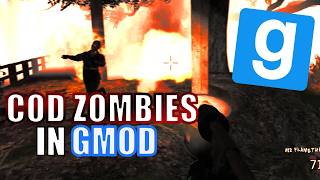
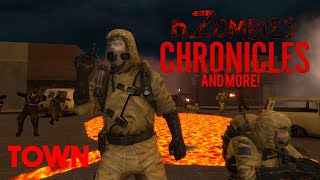
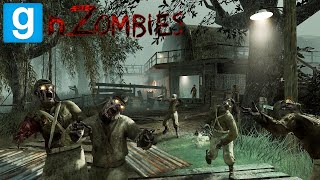
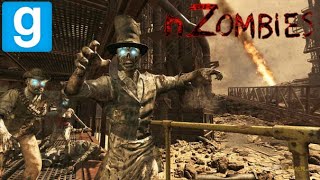
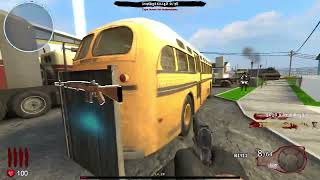
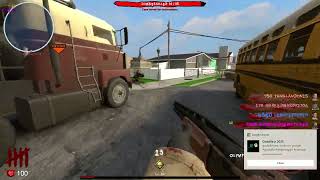
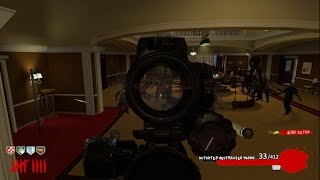
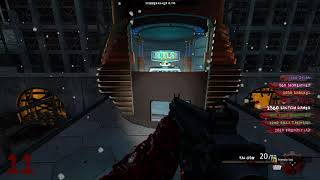

Some content is missing from this repo because of copyright concerns.
You can download them from the Addon Collection.
Follow these steps to ensure the gamemode and all associated assets (models, materials, etc.) mount correctly.
- Download & Extract: Download the repository ZIP and extract it to a temporary location.
- Locate the Root: Open the extracted folder. You should see several directories such as
models,materials,sound, andgamemodesall in one place. - Move to Addons: Move the folder containing those directories into your
garrysmod/addons/folder. You can rename itnzombies-chronicles. - Verify the File Structure: Your directory tree must look like this for the assets to load:
garrysmod/addons/nzombies-chronicles/gamemodes/garrysmod/addons/nzombies-chronicles/lua/garrysmod/addons/nzombies-chronicles/models/garrysmod/addons/nzombies-chronicles/materials/garrysmod/addons/nzombies-chronicles/sound/garrysmod/addons/nzombies-chronicles/particles/
- Restart your game
- In the gamemodes selection on the bottom right, select nZombies
- You can only have one nZombies gamemode mounted at a time. If you aren't seeing the gamemode show up, completely remove any other nZombies game.
- Many addons break the game. Uninstall anything that gives errors. Stick to official and reputable addons.