WindUSB-GUI is a modern, Rust-based graphical tool for creating bootable Windows USB installers on Linux. It is a GTK4/Libadwaita wrapper based on the original WindUSB CLI bash script.
This tool handles partitioning, formatting (FAT32), and automatically splitting large install.wim files to ensure UEFI compatibility.
| 1: Device Selection | 2: Wrong ISO Error |
|---|---|
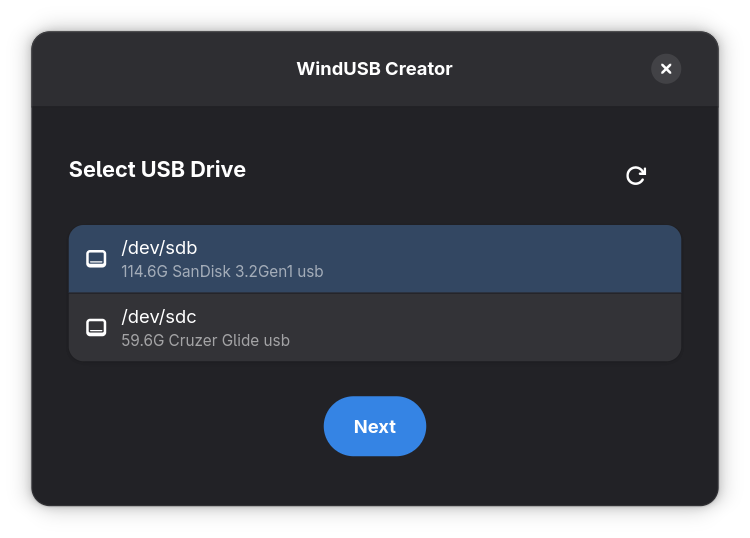 |
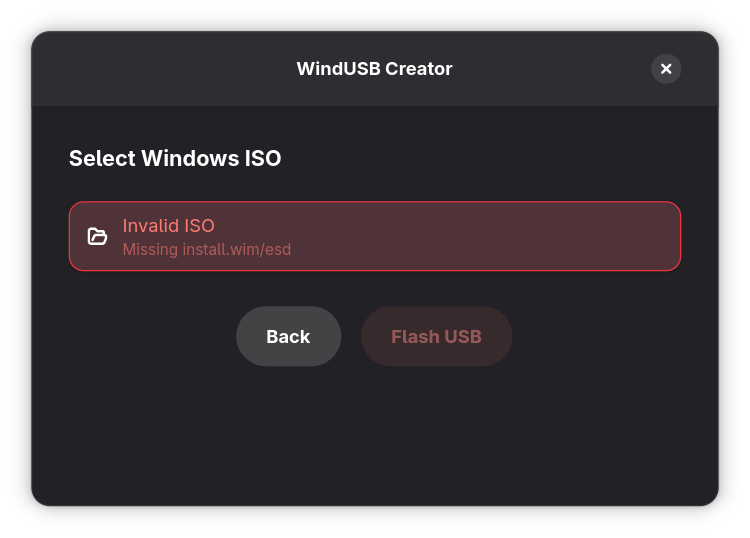 |
| 3: Valid Windows ISO | 4: Flashing Process |
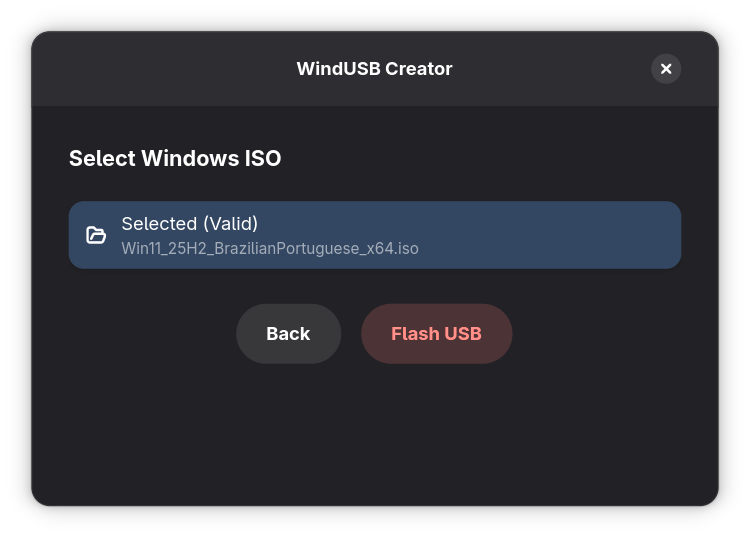 |
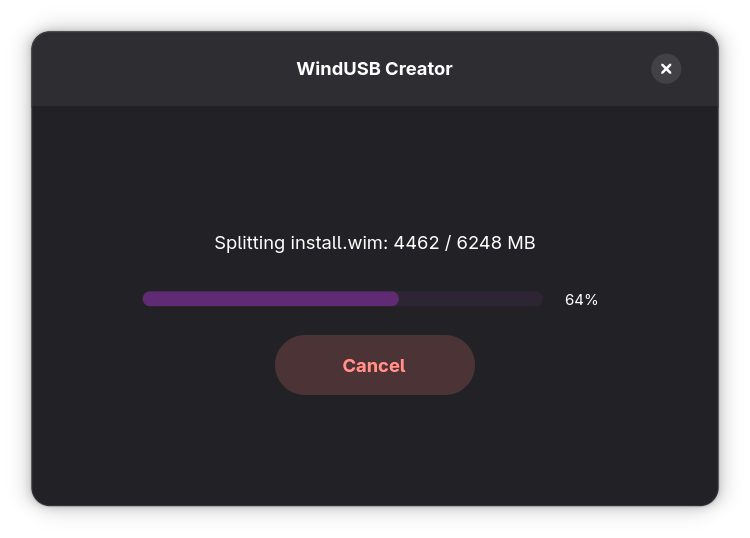 |
The new build system is designed to be highly independent. You only need the basic development headers on your host machine; the script handles the complex system tools by compiling them from source.
On Arch Linux, ensure you have the base development tools:
sudo pacman -S base-devel rust git
The build.sh script is a "Portable Build Engine" that automatically downloads, compiles, and bundles:
- Static System Tools:
wimlib,parted,sgdisk,util-linux, anddosfstools. - Packaging Tools:
appimagetooland a standalone7-Zipbinary. - Recursive Libraries: A deep-scan trace of the GTK4/Libadwaita stack to ensure the AppImage runs on any distribution.
- Clone the repo:
git clone https://github.com/YourUsername/WindUSB-GUI.git
cd WindUSB-GUI
- Run the build script:
chmod +x build.sh
./build.sh
- Clean Start (
y): Re-compiles all C tools from source and performs a Recursive Library Scan. Use this for your first build or when moving to a different OS. - Rust Only (
n): Skips tool compilation and library gathering, only updating the Rust binary. Use this for fast iteration during development. - Git Preservation: The script automatically preserves
.gitkeepfiles inbin-localandlib-localto maintain repository structure.
WindUSB-GUI is only possible thanks to the incredible work of the open-source community. We rely on and extend our gratitude to the following projects:
| Project | Purpose | Link |
|---|---|---|
| wimlib | Handling Windows Imaging files (.wim) | wimlib.net |
| GNU Parted | Partition manipulation and partprobe | gnu.org/s/parted |
| GPT Fdisk | GPT partitioning (sgdisk) | rodsbooks.com/gdisk |
| util-linux | wipefs and block device management | kernel.org |
| dosfstools | FAT32 filesystem creation | github.com/dosfstools |
| 7-Zip | ISO verification and extraction | 7-zip.org |
| AppImageTool | Packaging and portability | appimage.org |
- Host OS: Built and tested on Arch Linux.
- Portability: The AppImage uses a Recursive Dependency Trace to bundle its own graphics and GUI stack, ensuring compatibility with Pop!_OS, Fedora, Ubuntu, and Debian.